Boot over LAN with one command
pxehost is a friendly PXE server that lets you boot up Linux installers without a USB drive. It runs on macOS, Linux, and Windows.
- • No USB drives or ISO downloads
- • No configuration options
- • Uses netboot.xyz for a huge OS menu
Boot Linux in 5 minutes
You’ll use two computers: the host, running pxehost, and the target PC, which will boot Linux.
The target PC must have an ethernet port and must be connected to your router via Ethernet. The host PC can be on WiFi as long as it's connected to the same router.
On the host PC, install and run pxehost:
# Download latest binary (x86)
curl -fsSL \
  https://github.com/pxehost/pxehost/releases/latest/download/pxehost-linux-amd64 \
  -o pxehost
chmod +x pxehost

# Allow binding to lower ports without root
sudo systemd-run \
  --property User=$USER \
  --property AmbientCapabilities=CAP_NET_BIND_SERVICE \
  --pty \
  ./pxehost
Ensure the target PC is connected to your router via Ethernet.
You have to enable PXE on your target PC. This is a BIOS / firmware setting. Restart the target PC and change the setting in the BIOS.
Where to find PXE settings
| Dell | Settings → Integrated NIC → Enable w/ PXE |
| HP | Advanced → Boot Options → Network (PXE) Boot |
| Lenovo | Startup → Boot → Network Boot → Enabled |
| ASUS | Advanced → Onboard LAN Boot ROM → Enabled |
| Acer | Boot → Network Boot → Enabled |
| MSI | Settings → Advanced → Integrated Peripherals → LAN Option ROM |
| Gigabyte | BIOS → LAN PXE Boot Option → Enabled |
| Beelink | Advanced → Network Stack → Enabled |
| Minisforum | Advanced → Network Stack → Enabled |
Next, boot from PXE. Restart the target PC again, press F12/F7 repeatedly to open the boot menu, and pick the option with Network, Ethernet, or PXE.
You should see DHCP and TFTP output from pxehost and on the target PC's screen.
You will probably see a timeout on the target PC requesting the local_vars.ipxe file. This is expected behaviour. After a few seconds, the netboot.xyz menu will load.
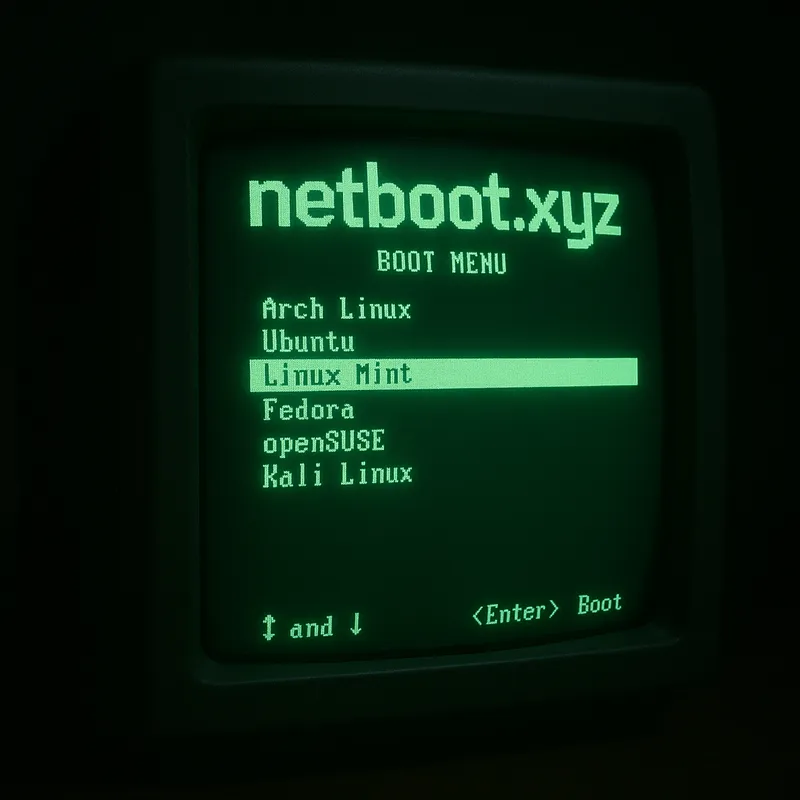
netboot.xyz has Linux Installers and Live CDs.
If you don't know what to pick, try out the Linux Mint Live CD.
Under the hood
pxehost implements the standard boot protocols understood by your firmware, then delegates to netboot.xyz for access to its catalog of installers. for a large catalog of installers.
Network boot discovery
pxehost binds to port 67 to receive DHCP broadcast requests. It advertises itself (via DHCP options) as a TFTP server and offers the correct boot file (Legacy/UEFI).
Boot files via TFTP
Your BIOS firmware downloads the bootfile via TFTP, a UDP-based file transfer protocol. pxehost's embedded TFTP server proxies this request to netboot.xyz over HTTPS.
netboot.xyz menu
netboot.xyz offers 50+ installers and "Live CD"s which are downloaded automatically.